Desktop 3D Printing Setup: A Safe Beginner Workspace
A desktop 3D printing setup is a dedicated work area for the printer, material, ventilation, tools, and post-processing steps.
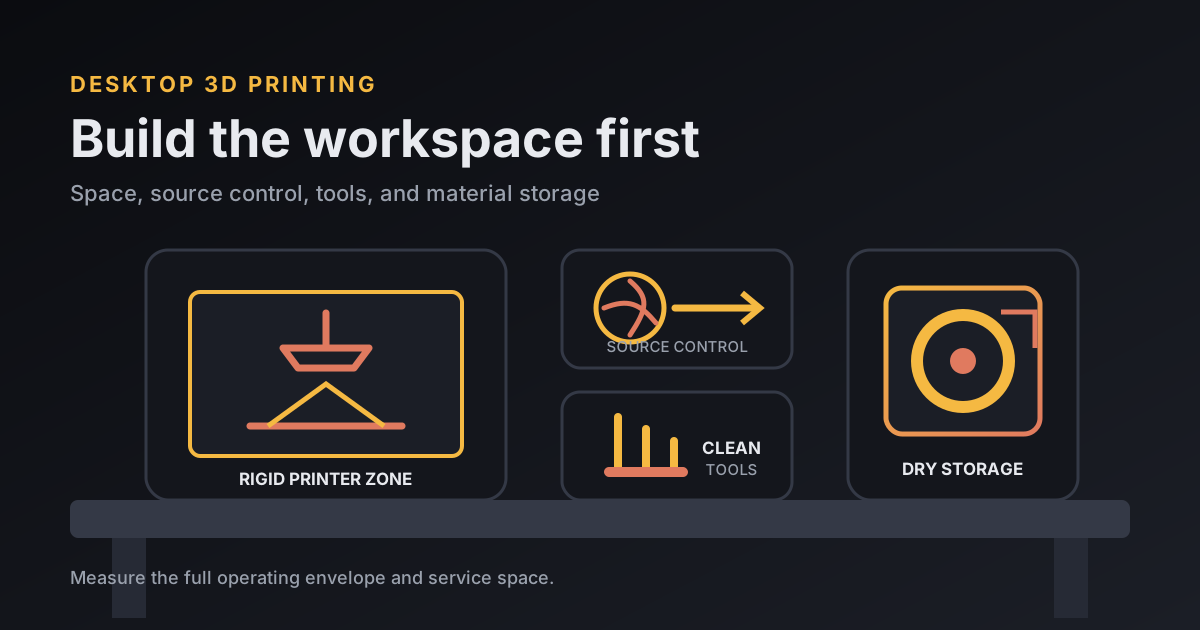
A minimum desktop 3D printing setup needs a rigid surface, safe power, space for the machine's full movement, material storage, a small tool kit, and ventilation planned for the process. Put the printer away from sleeping and long-occupied areas, and do not leave it running where a child or pet can reach hot, moving, or chemical parts. Resin also needs a separate dirty zone for gloves, washing, curing, and waste.
Sort out the workspace before buying accessories. A $20 tool bundle cannot fix a printer that rocks on a folding table or vents toward your chair. It also won't keep a resin-coated build plate from crossing the clean side of the room.
What is the minimum viable desktop 3D printing setup?
The minimum viable desktop 3D printing setup is one stable station with clearance, ventilation, lighting, power, and a repeatable path from material to finished part. Keep the first version boring. You need room to work more than you need a wall of printed upgrades.
- A rigid, level bench that does not wobble during rapid moves.
- A grounded outlet used within the printer manufacturer's electrical limits.
- Clear space around moving beds, doors, spools, cables, and exhaust ducts.
- Task lighting bright enough to inspect a first layer or find a resin drip.
- Closed storage for material and a labeled place for sharp or contaminated tools.
- A smoke alarm placed and maintained according to its manufacturer and local code.
Measure the full operating envelope; the machine shell dimensions are insufficient. For a worked planning example, an 18-by-18-inch printer with 4 inches of service space on each side needs a 26-by-26-inch rectangle. That is 676 square inches, or about 4.7 square feet, before adding a spool holder, wash station, or tool tray. Use the manual's clearances when they are larger.
Should a beginner choose an FDM or resin workspace?
A beginner should choose an FDM workspace for ordinary utility parts and simpler handling, while resin deserves its own controlled station when very fine detail or a smoother surface justifies the chemical workflow. The printer price does not capture the space decision.
| Workspace question | FDM / filament | Resin / vat photopolymerization |
|---|---|---|
| Separation | Dedicated printer zone away from prolonged occupancy | Dedicated dirty zone, separate from food, children, pets, and clean tools |
| Ventilation | Source control for particles and gases; enclosure or local exhaust as appropriate | Control printer, wash-solvent, and curing emissions; keep wash containers closed |
| Daily handling | Load filament, clean plate, remove part | Glove up, remove wet part, wash, dry, cure, and manage contaminated waste |
| Starter tools | Flush cutters, deburring tool, calipers, brush | Compatible gloves, eye protection, trays, scraper, wash and cure equipment |
| Storage | Dry filament storage | Light-protected resin plus closed solvent and waste containers |
| Good first jobs | Brackets, organizers, fixtures, larger prototypes | Miniatures, fine texture, small presentation parts |
If the part decides the process, my resin-versus-FDM comparison covers the finish and cleanup tradeoff in more detail.
How should a 3D printer be ventilated?
A 3D printer should be ventilated by controlling emissions near the source and moving or filtering the captured air with equipment suited to both particles and gases. An enclosure provides containment. Effective ventilation still needs a defined exhaust or tested filtration path.
The U.S. Environmental Protection Agency says 3D printers can release ultrafine particles from 1 to 100 nanometers as well as volatile organic compounds. NIOSH recommends local exhaust, enclosed ventilated racks that discharge outdoors, or HEPA-filtered control for particles. Emissions vary with printer and material.
One NIOSH office study ran as many as 20 desktop printers. Respirable particulate was below 0.03 micrograms per cubic meter and measured VOCs were below the applicable occupational limits in that ventilated conference room. Researchers still found ultrafine particles and recommended local exhaust to reduce them. The room's controls are the useful part of that result.
For FDM, use the manufacturer's enclosure and filtration when supplied, select lower-emitting material when it meets the job, and keep the nozzle at the needed temperature rather than hotter. NIOSH guidance says PLA often emits fewer particles than ABS, though PLA still produces emissions. My filament guide separates material performance from workspace controls.
What makes a resin workspace different?
A resin workspace is different because uncured resin, solvent-wet parts, wash liquid, and sanding dust can move contamination beyond the printer. Arrange the station in one direction: clean resin storage, printer, drip tray, wash, dry, cure, then finished-part area.
NIOSH's 2025 guidance says uncured resin can contain acrylates associated with asthma or dermatitis. Printing, washing, curing, and sanding each create their own exposure route. The agency advises suitable ventilation, protection against acrylates and isopropyl alcohol, eye protection, frequent glove changes, sealed wash containers, and immediate spill cleanup.
Use the resin and solvent safety data sheets to choose compatible gloves and disposal steps. Do not pour liquid resin or used solvent down a drain. Local household hazardous-waste rules differ, so confirm the route with the authority that handles waste where you live.
Which beginner tools earn space on the desk?
A beginner tool earns desk space when it measures, cleans, removes, or repairs something the printer actually uses. My FDM starting six are flush cutters, a deburring tool, digital calipers, a soft brush, the specified lubricants, and a container for spare nozzles and small hardware.
Keep a brass brush away from live heater wiring and follow the manual before touching a hot nozzle. A metal scraper can gouge a soft build surface or move toward your hand; a removable flex plate usually releases a cooled print with less force. Safety glasses make sense when clipping stiff supports.
Resin tools should be dedicated and visibly separated. Use a rimmed tray under wet work, the manufacturer-approved scraper, suitable gloves, eye protection, silicone tools where allowed, closed wash tubs, and a curing station sized for the parts. Anything that touches uncured resin stays in the dirty zone.
How should filament and resin be stored?
Filament and resin should be stored closed, labeled, and protected from the conditions that damage them. Filament needs dry storage; resin needs its original light-blocking container, a secure cap, and the temperature range on its label.
A simple filament bin can hold a spool, desiccant, and a humidity indicator. Record the material and the date it was opened. Do not assume every brittle or rough print is wet filament, but a sealed bin removes one common variable from troubleshooting.
For resin, keep the original label and batch information. Store containers upright inside secondary containment. The wash solvent, used resin, disposable wipes, gloves, and failed parts need labeled closed containers until handled under the product instructions and local waste rules.
How do you commission the workspace before a long print?
You commission the workspace by running one short, supervised job and checking the whole system under real motion and heat. Watch cable travel, spool feed, bed clearance, enclosure temperature, exhaust direction, noise, vibration, and shutdown access.
- Check assembly, shipping restraints, firmware, and first-run steps against the manual.
- Verify the machine cannot strike a wall, shelf, duct, or cable at full travel.
- Run calibration with the exact plate, nozzle, and material you plan to use.
- Slice a small known model, preview every layer, and supervise the complete print.
- Let the machine cool, inspect connectors and the work surface, then write down what needs moving.
Make the first job diagnostic. If the layer fails, the symptom-first checks in my FDM mistakes guide help separate bed adhesion, flow, orientation, and support problems.
Frequently asked questions
Can a 3D printer sit on a normal desk?
An FDM printer can sit on a rigid, level desk that carries its weight and leaves room for bed travel, cables, spool movement, and service. Keep it away from the desk where you spend hours breathing, and follow the manufacturer's placement clearances.
Does a desktop 3D printer need ventilation?
Plan ventilation for both FDM and resin printing. NIOSH recommends source controls such as local exhaust, ventilated enclosures, or effective particle and gas filtration, with the exact setup based on the process and material.
What tools does a beginner need for FDM printing?
Start with the printer-supplied tools, flush cutters, a deburring tool, digital calipers, a small brush, dish soap for removable build plates, and a lidded container or dry box for filament. Add tools only when a real maintenance task requires them.
Can resin and FDM printers share one workbench?
They can share a room only if the resin workflow has a clearly separated dirty zone, suitable ventilation, chemical-resistant surfaces, closed wash containers, and dedicated tools. Do not let uncured resin or solvent contaminate the FDM side.